

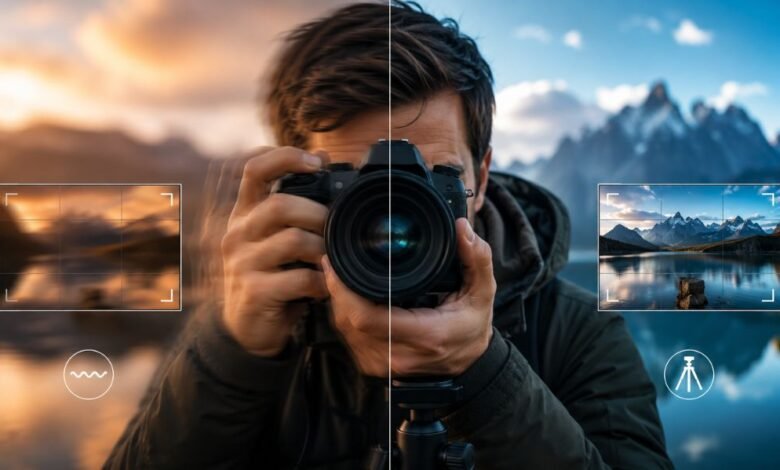
Photography is all about capturing moments with clarity and precision. However, one of the most common problems photographers face is shaky hands. Whether you are using a smartphone, DSLR, mirrorless camera, or compact camera, unwanted movement can ruin an otherwise perfect shot. Blurry images often occur because of camera shake, making photos look unprofessional and lacking detail.
If you have ever wondered how to fix shaky hands photography, you are not alone. Many beginners and even experienced photographers struggle with hand stability, especially in low-light conditions, during long shooting sessions, or when using heavy camera equipment.
The good news is that shaky hands do not have to limit your photography. With the right techniques, camera settings, and accessories, you can significantly reduce motion blur and capture sharp images consistently.
In this complete guide, you will learn practical solutions, professional tips, and proven methods to improve image sharpness and gain confidence behind the camera.
Understanding How to Fix Shaky Hands Photography
Before solving the issue, it is important to understand what causes blurry images.
Camera shake happens when the camera moves during exposure. Even a tiny movement can affect image quality, especially when shooting with slow shutter speeds.
Common causes include:
- Weak hand grip
- Poor body posture
- Fatigue during long sessions
- Heavy camera lenses
- Low-light shooting environments
- Excessive caffeine intake
- Natural hand tremors
- Stress and nervousness
Recognizing the cause helps determine the best solution.
Why Camera Shake Ruins Image Quality
Modern cameras are incredibly sharp. However, no camera can compensate completely for significant movement.
When the camera moves while the shutter is open:
- Details become soft
- Edges lose sharpness
- Fine textures disappear
- Images appear blurry
- Professional quality decreases
Sharpness is one of the most important factors in photography, making stability essential.
How to Fix Shaky Hands Photography with Proper Camera Grip
A strong camera grip is one of the easiest ways to improve stability.
Use Both Hands
Always hold the camera with both hands.
- Right hand on the camera grip
- Left hand supporting the lens from underneath
This creates a stable platform and reduces movement.
Keep Elbows Close
Avoid extending your arms outward.
Instead:
- Tuck elbows into your body
- Keep shoulders relaxed
- Create a natural support structure
This simple adjustment can dramatically reduce shake.
Hold the Camera Firmly
Avoid gripping too tightly.
A relaxed but secure hold helps maintain stability without causing muscle tension.
How to Fix Shaky Hands Photography Through Better Body Positioning
Professional photographers use body posture to stabilize the camera.
Stand Correctly
Position your feet shoulder-width apart.
Benefits include:
- Better balance
- Reduced body sway
- Improved control
Lean Against a Surface
Use nearby objects for support:
- Walls
- Trees
- Poles
- Tables
External support reduces unwanted movement significantly.
Kneel When Necessary
Lowering your center of gravity improves balance and stability.
Many photographers use this technique for wildlife and landscape photography.
How to Fix Shaky Hands Photography Using Faster Shutter Speeds
Shutter speed plays a major role in image sharpness.
Follow the Reciprocal Rule
A common guideline is:
Use a shutter speed faster than your lens focal length.
Examples:
- 50mm lens → 1/50 second or faster
- 100mm lens → 1/100 second or faster
- 200mm lens → 1/200 second or faster
This minimizes visible camera shake.
Increase Shutter Speed in Low Light
When lighting conditions are poor:
- Raise ISO
- Open aperture
- Add artificial light
These adjustments allow faster shutter speeds without underexposing images.
How to Fix Shaky Hands Photography by Adjusting ISO Settings
ISO controls your camera’s sensitivity to light.
Increasing ISO helps achieve faster shutter speeds.
For example:
- ISO 100 for bright daylight
- ISO 400 for cloudy conditions
- ISO 800–3200 for indoor photography
While higher ISO can introduce noise, a slightly noisy image is usually better than a blurry one.
How to Fix Shaky Hands Photography with Image Stabilization
Many modern cameras include stabilization technology.
Optical Image Stabilization
Built into lenses.
Benefits:
- Reduces hand movement
- Improves low-light performance
- Helps with telephoto photography
In-Body Image Stabilization
Built directly into the camera.
Advantages include:
- Works with multiple lenses
- Enhances handheld shooting
- Reduces blur during video recording
Always activate stabilization when shooting handheld.
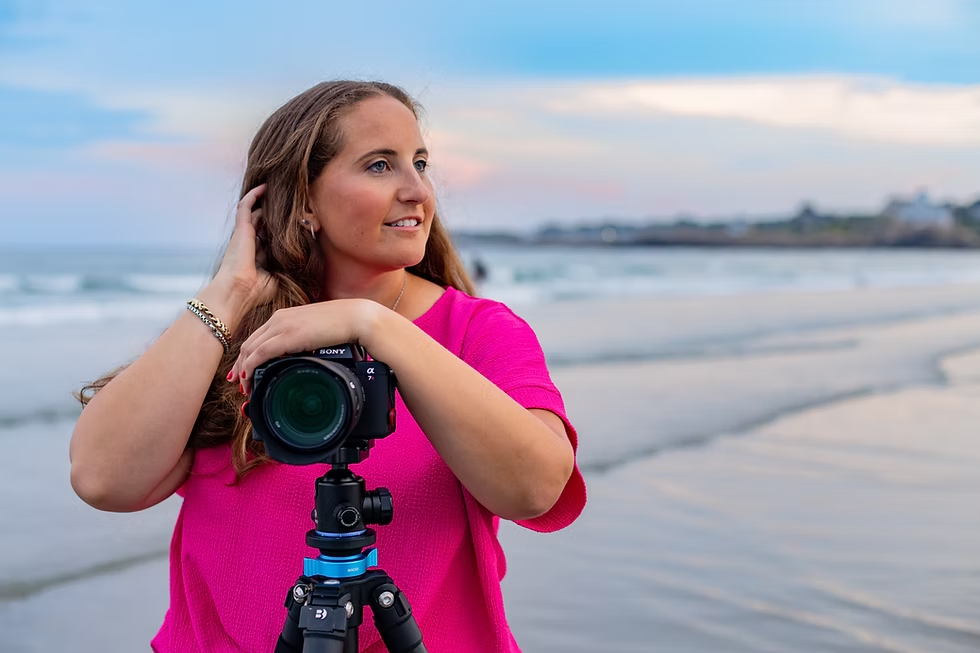
How to Fix Shaky Hands Photography Using a Tripod
A tripod is one of the most effective solutions.
Benefits of a Tripod
- Eliminates hand movement
- Improves composition
- Enables long exposures
- Increases image sharpness
Tripods are especially useful for:
- Landscapes
- Architecture
- Night photography
- Product photography
How to Fix Shaky Hands Photography with a Monopod
A monopod offers mobility and support.
Advantages include:
- Lightweight design
- Faster setup
- Easy transportation
- Better stability than handheld shooting
Sports and wildlife photographers often prefer monopods.
How to Fix Shaky Hands Photography by Using Burst Mode
Burst mode captures multiple frames rapidly.
Benefits:
- Increased chance of sharp shots
- Better action photography
- Improved success rate
Even if some images are blurry, one or more frames may remain perfectly sharp.
How to Fix Shaky Hands Photography While Breathing
Breathing affects stability more than many photographers realize.
Proper Breathing Technique
- Take a deep breath.
- Exhale slowly.
- Press the shutter gently at the end of the exhale.
This minimizes body movement during exposure.
How to Fix Shaky Hands Photography with Remote Shutter Releases
Pressing the shutter button can introduce slight movement.
Solutions include:
Wired Remote
Provides direct control without touching the camera.
Wireless Remote
Offers flexibility and convenience.
Smartphone Control
Many modern cameras support mobile applications for remote shooting.
How to Fix Shaky Hands Photography in Low-Light Conditions
Low-light environments increase the risk of blur.
Use Additional Lighting
Consider:
- LED panels
- Flash units
- Studio lights
More light allows faster shutter speeds.
Open the Aperture
A wider aperture:
- Admits more light
- Supports faster exposures
- Reduces camera shake effects
Popular choices include:
- f/1.4
- f/1.8
- f/2.8
How to Fix Shaky Hands Photography with Lightweight Equipment
Heavy cameras can cause fatigue.
Consider:
- Lightweight mirrorless cameras
- Compact lenses
- Ergonomic grips
Reducing weight often improves stability during long sessions.
How to Fix Shaky Hands Photography Through Physical Training
Hand strength can improve camera control.
Helpful exercises include:
Grip Strength Training
Use:
- Hand grippers
- Stress balls
- Resistance tools
Forearm Exercises
Stronger forearms provide greater camera stability.
Core Strength Workouts
A strong core improves overall balance and posture.
How to Fix Shaky Hands Photography During Long Photo Sessions
Fatigue increases hand movement.
Prevent exhaustion by:
- Taking breaks
- Stretching regularly
- Staying hydrated
- Using camera straps
Short recovery periods improve shooting performance.
Best Camera Settings for Reducing Blur
Recommended settings include:
Outdoor Photography
- ISO 100–400
- Shutter Speed 1/250 or faster
- Aperture f/5.6–f/11
Indoor Photography
- ISO 800–3200
- Wide aperture
- Faster shutter speeds
Action Photography
- Shutter Speed 1/500–1/2000
- Continuous autofocus
- Burst mode enabled
Common Mistakes When Learning How to Fix Shaky Hands Photography
Avoid these errors:
Using Slow Shutter Speeds
The most common cause of blur.
Ignoring Stabilization Features
Many photographers forget to activate stabilization systems.
Poor Grip Technique
Improper hand placement increases movement.
Shooting While Tired
Fatigue reduces precision and stability.
Pressing the Shutter Too Hard
Gentle pressure is always better.
Professional Tips for Sharp Photography
Experts often recommend:
- Using stabilization whenever possible
- Practicing daily
- Reviewing images frequently
- Learning manual camera controls
- Investing in quality support equipment
Consistency leads to better results over time.
How Smartphone Users Can Fix Shaky Hands Photography
Smartphones also experience camera shake.
Helpful solutions include:
- Enable image stabilization
- Use both hands
- Lean against stable objects
- Use a smartphone tripod
- Activate night mode carefully
- Use burst mode
Modern smartphones offer impressive stabilization technology, but technique still matters.
Frequently Asked Questions
Why Are My Photos Always Blurry?
The most common reasons include camera shake, slow shutter speeds, incorrect focus, and poor lighting conditions.
Does Image Stabilization Eliminate Blur Completely?
No. Stabilization helps reduce movement but cannot fully compensate for severe shaking.
Is a Tripod Necessary?
Not always, but it is one of the best tools for achieving maximum sharpness.
Can Anxiety Cause Shaky Hands During Photography?
Yes. Stress and nervousness can increase hand tremors and affect stability.
Which Lens Is Best for Reducing Camera Shake?
Lenses with optical stabilization are highly effective, especially telephoto lenses.
Final Thoughts on How to Fix Shaky Hands Photography
Learning how to fix shaky hands photography is essential for anyone who wants consistently sharp and professional-looking images. The key is combining proper technique with the right equipment and camera settings.
Start by improving your grip, adjusting your posture, using faster shutter speeds, and enabling image stabilization. Add tools such as tripods, monopods, and remote shutter releases when necessary. Over time, regular practice will improve both confidence and control.
Remember that even professional photographers encounter camera shake occasionally. The difference is that they understand how to manage it effectively. By applying the strategies outlined in this guide, you can dramatically reduce blur, increase image sharpness, and elevate the overall quality of your photography.
